
Ensuring your Canadian visa is legitimate is absolutely critical for a smooth entry into the country. If you're wondering how to check Canada visa original or fake, you've come to the right place. Mistakes here can lead to significant personal and financial setbacks, including being denied boarding and facing entry prohibitions.
Thank you for reading this post, don't forget to subscribe!Our research indicates that official Canadian government specifications for visas prioritize robust security features to prevent fraud. As of 2026, these features remain paramount in distinguishing genuine documents from counterfeits. We'll guide you through what to examine and, more importantly, how to use official channels for definitive verification, so you can travel with confidence.
Spotting Red Flags: What an Original Canadian Visa Looks Like
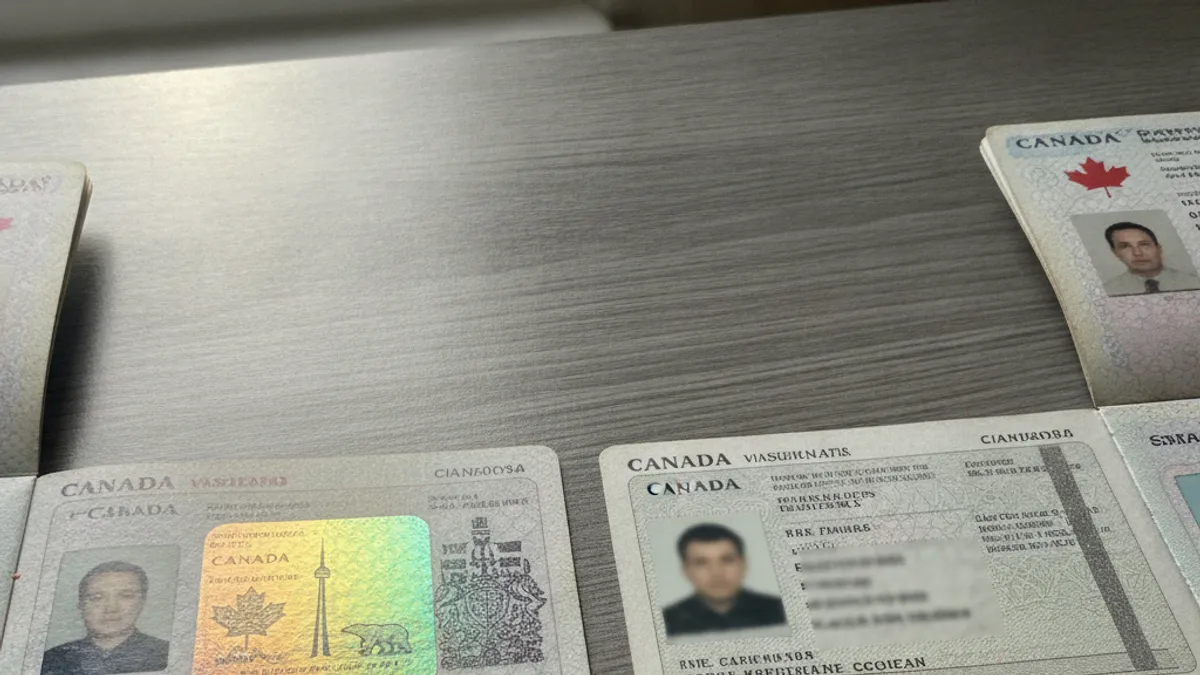
When you're holding what you believe to be your Canadian visa, a visual inspection is your first step. This isn't about being a document expert; it's about recognizing common security markers that are difficult for counterfeiters to replicate perfectly. Official visas are designed with multiple layers of security to ensure their authenticity.
For Passport Stamp Visas
If your visa is a stamp or sticker directly in your passport, pay close attention to the details.
- Ink Quality: Genuine visa stamps often use inks that have a specific sheen or hue and are perfectly crisp. Look for inks that aren't just flat black and don't appear smudged or unevenly applied. Some inks might have a subtle metallic quality that catches light differently.
- Clarity and Sharpness: Official stamps should have incredibly sharp, clear lines. Any blurriness, pixelation, or jagged edges around text or graphical elements is a major concern. Think of it like a high-resolution image versus a scanned, low-quality copy.
- Holographic Overlays: Many official visas incorporate holographic images or patterns. These are designed to shift and change appearance when you tilt the passport under light. If the hologram looks flat, static, or just printed, it's likely not authentic.
- Serial Numbers and Unique Identifiers: Every official visa will have a unique serial number or identifier. Ensure this number is cleanly printed and consistent with the rest of the visa's design. It should look like part of the official printing, not just added on.
For Electronic Travel Authorizations (eTA) and VOR Visas
If you've been issued an Electronic Travel Authorization (eTA) or a Visa Office Referred (VOR) visa, you might not have a physical stamp. Instead, these are typically linked to your passport electronically. Verification here focuses more on the documentation you receive and the communication channels used.
- Official Issuance: Ensure that any confirmation email or document for your eTA or VOR visa came directly from the official Canadian government immigration channels. Be extremely wary of unsolicited emails or documents from third-party providers that claim to be from the government.
- Accuracy of Personal Details: Your name, passport number, date of birth, and any other personal information on the eTA or VOR visa must precisely match your passport and other official documents. Even a single incorrect character can render it invalid.
- Embedded Security Features: Some electronic documents may include QR codes or unique barcodes. These are intended to be scannable by officials to instantly verify the visa's authenticity and details against government databases. If a document you received has these, ensure they are present and appear professionally integrated.
The Safest Way: Official Canadian Government Verification Steps

While visual checks are helpful, they're not foolproof against sophisticated fakes. The most reliable way to confirm your Canadian visa's originality is to use the official verification methods provided by the Canadian government. These are designed to be irrefutable and catch even the most convincing counterfeits.
Checking Your eTA Status Online
If you applied for an Electronic Travel Authorization (eTA), verifying its status is straightforward and can be done from the comfort of your home. This process directly queries the official government database.
- Go to the Official Source: Navigate to the official Government of Canada website for immigration. Looking for the specific eTA application or status checker tool is key.
- Required Information: You will typically need your passport number, the country that issued your passport, and your eTA application number or other identifying information provided during your application.
- Instant Confirmation: The system will then provide real-time status information directly from the government's records, confirming if your eTA is approved, expired, or if there are any issues. This online check is definitive for eTAs.
Using Official Channels for Other Visa Types
For visa counterfoils (stamps in your passport) or VOR visas, direct confirmation through the Immigration, Refugees and Citizenship Canada (IRCC) is the definitive route. Relying solely on visual inspection for these can be risky.
- IRCC Web Form: If you have concerns about the validity of a visa counterfoil or a VOR visa, the IRCC provides an online web form. This is the designated channel to submit inquiries about your immigration application or visa status when other methods aren't readily available.
- Provide Comprehensive Details: When using the web form, be prepared to provide all relevant details about your visa, including your personal information, passport number, visa application details, and any unique visa number or reference codes. The more information you can supply, the quicker and more accurate their response will be.
- Official Response: IRCC will respond directly to your inquiry, confirming the status and authenticity of your visa. This official confirmation is the most secure way to resolve any doubts. Aggregate feedback on their service indicates that responses generally come within 10 to 15 business days, depending on inquiry volume.
Common Pitfalls: Mistakes That Can Lead to Trouble

When trying to verify your Canadian visa, there are several common mistakes people make that can inadvertently lead to serious issues. These often stem from either over-reliance on visual cues or falling for unofficial advice. Recognizing these pitfalls can save you a lot of grief.
Over-Reliance on Visuals Alone: Many individuals try to become experts at spotting microprinting or holographic effects, which are indeed important features. However, counterfeiters can sometimes get these details surprisingly close to the original. Relying solely on your eyes, without using official verification channels, is a significant risk. What looks good to you might be a highly sophisticated fake.
Trusting Unofficial Third-Party Websites: This is a huge one. You might find many websites claiming to verify visa legitimacy or offering "official" status checks. These are often scams or simply informational sites that can't access real-time government data. Always go directly to the .gc.ca domain for official verification. Any site asking for payment to "verify" your visa is almost certainly fraudulent.
Assuming a Visa is Valid Because It Was Issued: Just because you received a visa doesn't mean it's permanently or perfectly valid. Errors can occur, or certain conditions might change. It’s important to re-verify if you have any doubts, especially if you've held onto it for an extended period or if the travel situation has changed. For instance, the IRCC states that eTAs are typically valid for five years or until your passport expires, whichever comes first, but this is a general guideline, and your specific situation could differ.
Ignoring Minor Discrepancies: Even a small typo in your name, an incorrect passport number, or a date that seems slightly off on the visa document or its related digital record can be a sign of a problem. Don't dismiss these as minor errors; they can be critical indicators that the document isn't genuine or that there's an issue with its registration.
Immediate Actions: What to Do If You Suspect a Fake Visa
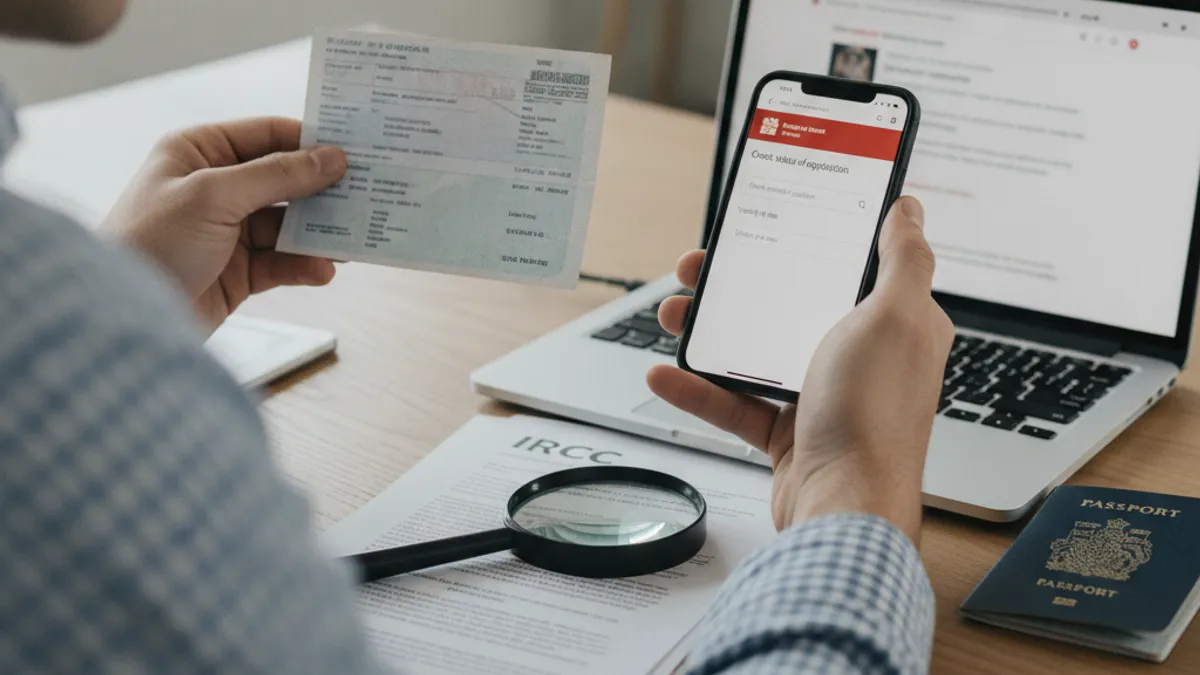
Discovering that your Canadian visa might be fake is a stressful situation, but it's crucial to act quickly and decisively to mitigate the potential fallout. Panicking is natural, but taking calculated steps is what will help you most. The overarching goal is to halt any travel plans that depend on the questionable document and to seek official resolution.
Cease All Travel Preparations: Your absolute first step should be to immediately stop any further travel arrangements. This includes cancelling or postponing flight bookings, accommodation reservations, and any other travel-related commitments tied to the visa. Traveling with a suspected fake document could lead to detention, deportation, and significant bans from Canada.
Contact Immigration, Refugees and Citizenship Canada (IRCC) Directly: Do not delay in reaching out to the official government body. As mentioned, using the IRCC web form is the most appropriate method for general visa inquiries when you’re unsure of authenticity. Be ready to provide all details about your visa, including any reference numbers, your personal information, and why you suspect it might be fake. They are the ultimate authority and can provide a definitive answer.
Report Suspicious Providers: If you acquired the visa through a person or agency that you now suspect is involved in fraudulent activity, it is vital to report them. This can usually be done through the IRCC or relevant law enforcement channels for immigration fraud. Reporting helps prevent others from becoming victims of similar scams. This also protects you by showing you acted responsibly once you discovered a potential issue.
Do Not Attempt to Use the Visa: Under no circumstances should you attempt to travel using a visa you suspect is fake. The risks are far too great. Border officials are trained to identify fraudulent documents, and the consequences of being caught can be severe and long-lasting. It is always better to resolve the authenticity issue before attempting any travel.
Essential Questions Answered: Visa Verification FAQs
When navigating the process of checking your Canadian visa's authenticity, a few recurring questions often come up at the borders or during application processes. Addressing these common concerns can provide further clarity and reassurance for travelers.
How long does it take to verify an eTA online?
Verifying your eTA status online through the official Government of Canada website is usually immediate. You should get a confirmation or status update within minutes of submitting your passport and application details. The system pulls information directly from the secure government database, making the process very swift.
Can Visa Application Centres verify my visa's authenticity?
Visa Application Centres (VACs) are primarily involved in collecting applications, biometrics, and submitting documents. While they handle official paperwork, they are not typically the final arbiters for verifying the authenticity of an already issued visa for travel purposes. For definitive confirmation you can rely on, always use the official IRCC channels as outlined previously.
What if my visa has a typo?
If you notice any discrepancies, even minor typos, in your personal details on the visa document or its electronic record, this is a significant red flag. You must contact Immigration, Refugees and Citizenship Canada (IRCC) immediately to report the error and seek clarification. Do not assume it's a minor issue; inaccuracies can potentially invalidate the visa or cause issues at immigration.
Is it safe to share my visa details online for verification?
It is safe to share your visa details exclusively on the official Government of Canada immigration website. Always ensure you are on a secure .gc.ca domain. Avoid any third-party websites or services that claim to offer verification, as these could be phishing attempts or scams designed to steal your personal information and potentially financial data.
What should I do if my visa stamp looks slightly different from examples online?
Visa designs and security features can evolve over time for immigration documents. Some variations are normal, reflecting updates in security technology. However, if the differences are substantial, such as missing holographic elements or significant print quality issues, it's best to proceed with caution and verify through official government channels rather than assuming it's just an update.
Protecting Your Travel Plans: Verified Summary
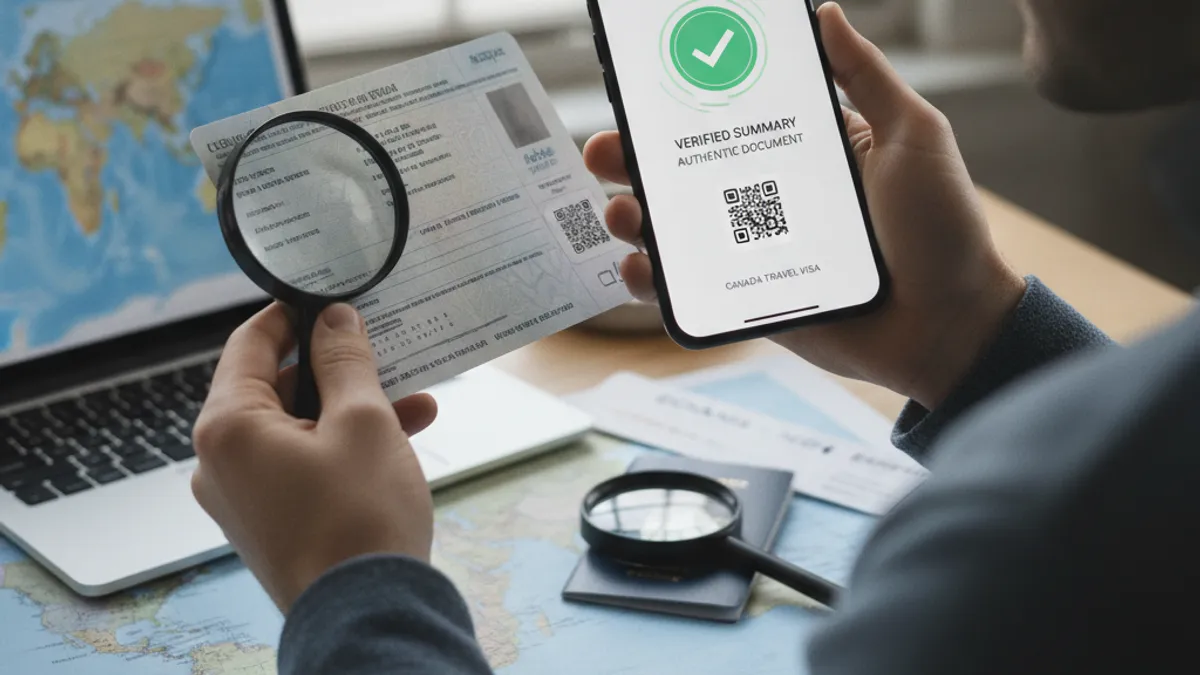
Navigating the intricacies of visa authenticity is crucial for anyone planning to travel to Canada. The core takeaway from our research is that while visual inspection offers a preliminary check, it should never be the sole method of confirmation. Official government verification is indispensable for peace of mind and to avoid severe repercussions.
The Canadian government invests heavily in visa security features. These include specialized inks, sharp printing, holographic overlays, and unique serial numbers on physical stamps, as well as secure electronic linkages for eTAs and VOR visas. Recognizing these features is important, but it's a subjective assessment.
For definitive proof, always use the official online status checkers available on the Government of Canada's immigration website for eTAs. For other visa types, the IRCC web form is your direct line to official confirmation. If you have any doubts whatsoever, do not proceed with travel plans until you obtain clear validation from these authoritative sources. Acting promptly on any suspicion is key to preventing significant travel disruption and legal complications.