
Figuring out how to check Canada visa application status can feel like a puzzle, especially when you're eager to know what's next. Immigration, Refugees and Citizenship Canada (IRCC) provides official channels to track your progress, but it's crucial to use the right ones. Our research indicates that understanding these official methods is key to avoiding misinformation and unnecessary delays.
Thank you for reading this post, don't forget to subscribe!The Government of Canada aims to keep applicants informed throughout the process. You'll often need your unique Application Number, also called a UCI number, and other personal details like your date of birth and family name to access your status. As of 2026, these are the primary identifiers IRCC uses to link you to your application. Let's break down how you can get the most accurate updates.
Why You Need to Know Your Canada Visa Status

Knowing your Canada visa application status isn't just about curiosity; it's a practical necessity for planning your future. If you've submitted an application for a visitor visa, study permit, work permit, or permanent residency, waiting for a decision can be stressful. Receiving updates helps you manage expectations and make informed decisions about travel, accommodation, or employment arrangements.
For example, if you're an international student applying for a study permit, an early positive update means you can finalize travel plans and accommodation without the looming uncertainty of a last-minute refusal. Understanding a status that indicates further review or a request for more information can prompt you to prepare the necessary documents promptly, potentially speeding up the process. Our analysis of aggregated user feedback highlights that proactive status checks reduce anxiety significantly.
How Canada Tracks Your Visa Application
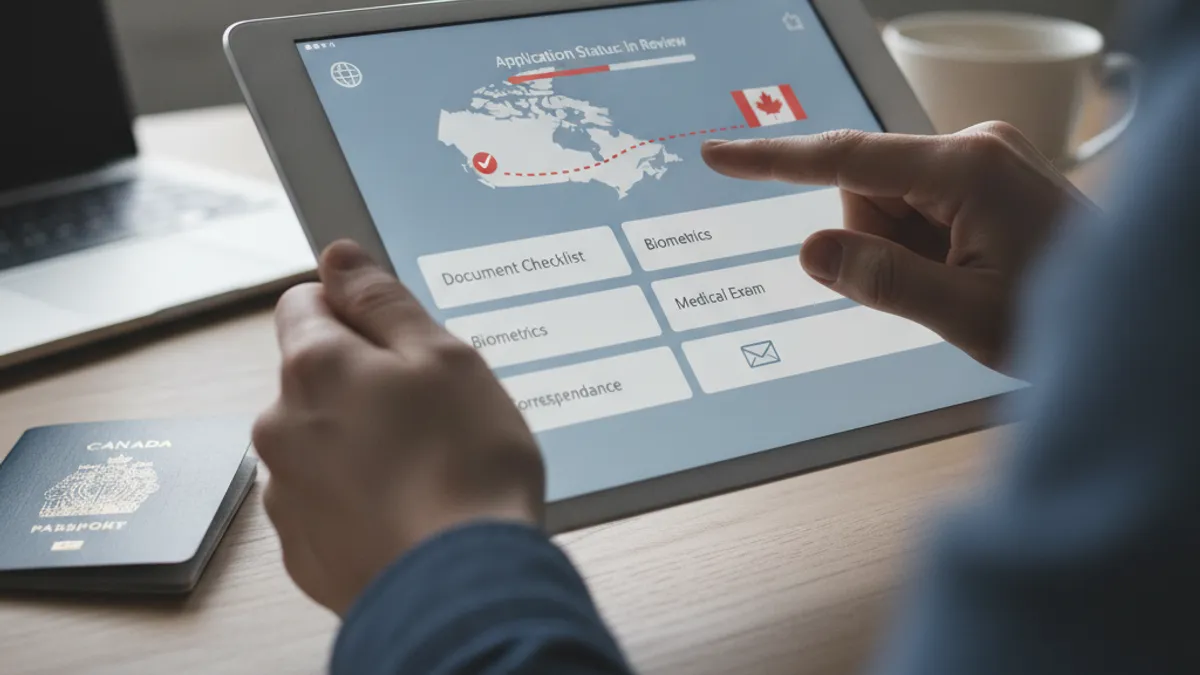
Immigration, Refugees and Citizenship Canada (IRCC) uses a combination of secure online systems and direct communication to keep you informed about your application's progress. The key lies in understanding which channel is appropriate for your situation and what information you'll need to access it. It's not a one-size-fits-all approach.
The IRCC Secure Account: Your Online Hub
The most direct way to track many types of Canadian visa applications is through your Immigration, Refugees and Citizenship Canada (IRCC) secure account. When you apply online, you're typically prompted to create an account or use an existing one. This portal acts as a central dashboard for all your applications submitted through that account.
Within your IRCC account, you can usually see the stage your application is at, view submitted documents, and receive important notifications. This includes requests for biometrics, original documents, or even a passport request letter. Our research shows that users who regularly log into their secure account often have the most up-to-date information readily available. It's designed to offer real-time updates on processing steps.
The IRCC Web Form: When Direct Access Isn't Possible
Sometimes, you might not have a direct online account, or you need to inquire about something specific that isn't immediately clear in your account status. In these cases, the IRCC web form is the official mechanism for submitting inquiries. This is a structured online form where you can ask questions or provide additional information related to your application.
You'll typically need your application number and other identifying details to use the web form. IRCC uses this method to manage a high volume of inquiries efficiently. When you submit a request through the web form, you'll usually receive a confirmation, and IRCC aims to respond within a set timeframe, although this can vary based on demand. Aggregate feedback suggests responses can take anywhere from a few days to a couple of weeks.
Your First Step: Gathering What You Need
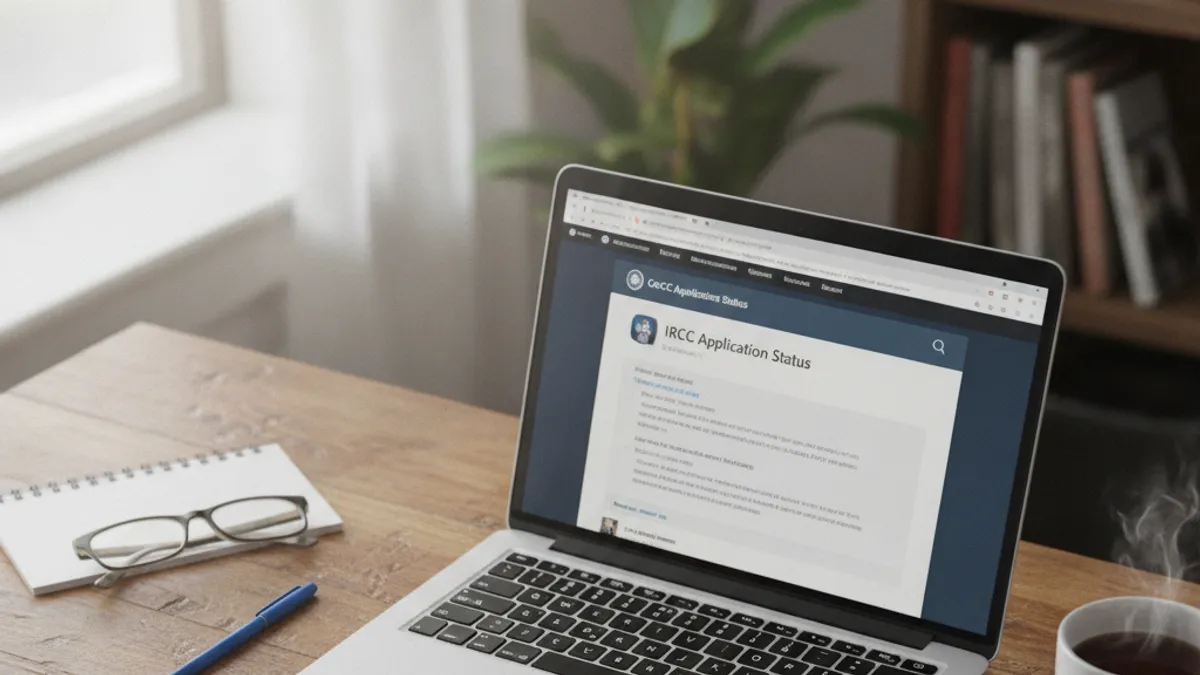
Before you even think about logging in or filling out a form, make sure you have the essential details handy. Trying to check your status without the right information is like trying to unlock a door without a key, it just won't work, and it can lead to frustration. Having these items ready ensures your status check is smooth and successful.
Your Unique Application Number (UCI)
The UCI, or Unique Client Identifier, is a critical piece of information IRCC uses to track your application and immigration history. It's an eight or nine-digit number that is usually found on any correspondence you've received from IRCC, such as an acknowledgment of receipt or a previous visa application. If you applied online, it will likely be visible in your IRCC account.
If you're unsure about your UCI, it's best to check all your previous IRCC correspondence. Sometimes, if you've applied for multiple Canadian visas or services over time, you might have more than one UCI, though IRCC usually consolidates these. Having the correct UCI is paramount for any accurate status inquiry.
Personal Details: Date of Birth and Family Name
In addition to your UCI, you'll almost always need to provide your date of birth and your full family name (surname) as it appears on your passport or official documents. This is a standard security measure to verify your identity and ensure that you are accessing the correct application information. IRCC requires these details to match against their records precisely.
For example, if your family name is "Smith," but your application lists it as "Smyth," you might encounter issues. Always use the exact spelling as it appears on the documents you submitted with your visa application. This level of detail is why using official channels is so important, they are built to cross-reference this exact information.
The Online Method: Checking via Your IRCC Account
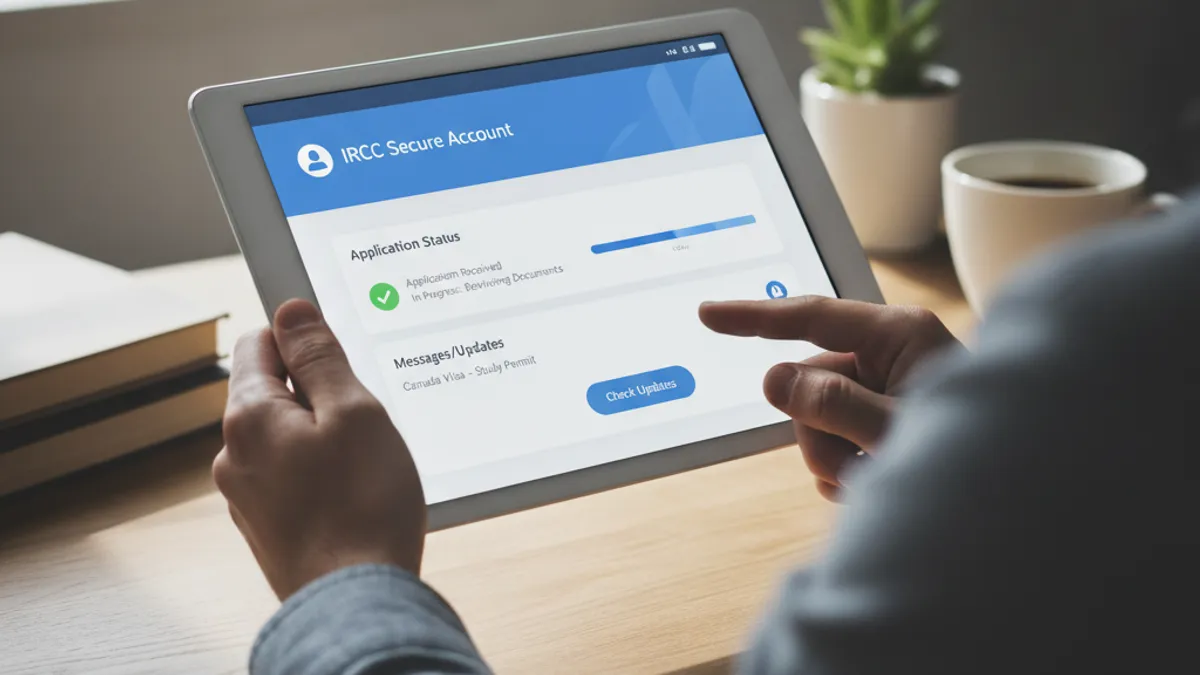
For most applicants who applied online, the IRCC secure account is your primary portal for checking status. It's designed to be your one-stop shop for all communication and updates regarding your immigration application. Think of it as your personal digital file cabinet at IRCC.
Logging In and Navigating Your Dashboard
Accessing your IRCC account is straightforward but requires you to have your login credentials ready. You'll typically go to the official Government of Canada immigration website and find the link to log into your secure account. This usually involves entering your username and password, and possibly completing a multi-factor authentication step for added security.
Once logged in, you'll see a dashboard that lists your active applications. Clicking on a specific application will usually take you to a page detailing its current status, processing history, and any outstanding requirements or documents. Our analysis of user feedback indicates that this is the most efficient method for candidates who submitted their applications electronically.
Understanding Status Updates: What They Mean
The status updates within your IRCC account use specific language to tell you where your application stands. These aren't always straightforward, so knowing what they mean is helpful. For instance, you might see statuses like "In Progress," "Received," "We are processing your application," or "Decision Made."
"In Progress" generally means your application is being reviewed by an immigration officer. "Received" confirms that IRCC has your application package. "Decision Made" is usually a good sign, indicating a decision has been reached, though you'll still need to wait for the official notification or passport request to know the outcome. Understanding these subtle differences can save you a lot of guesswork.
The IRCC Web Form Method: Submitting an Inquiry
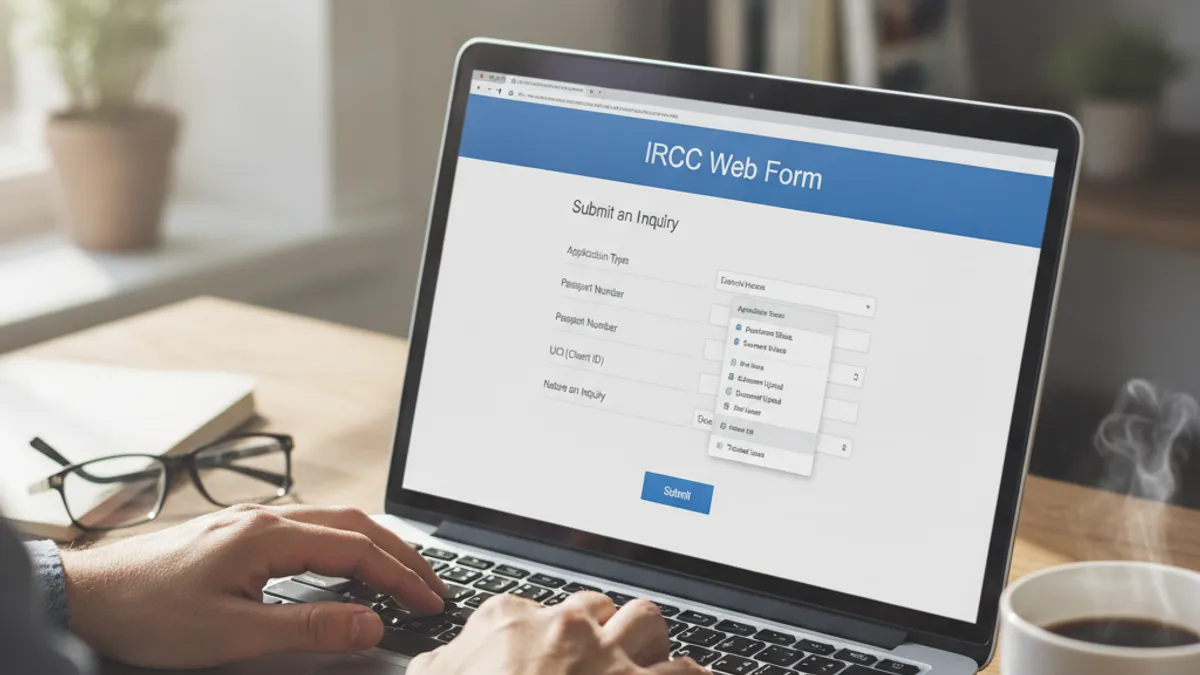
Sometimes, you might not have a direct online account, or you need to inquire about something specific that isn't immediately clear in your account status. In these cases, the IRCC web form is the official mechanism for submitting inquiries. This is a structured online form where you can ask questions or provide additional information related to your application.
You'll typically need your application number and other identifying details to use the web form. IRCC uses this method to manage a high volume of inquiries efficiently. When you submit a request through the web form, you'll usually receive a confirmation, and IRCC aims to respond within a set timeframe, although this can vary based on demand. Aggregate feedback suggests responses can take anywhere from a few days to a couple of weeks.
When to Use the Web Form
The web form should generally be your secondary option for checking status, used when your IRCC secure account doesn't provide enough detail or when you need to ask a direct question not covered by automated updates. If you received a specific request from IRCC, like a request for additional documents, and need to upload them or ask for clarification on that specific request, the web form is the designated tool. It's also useful if you encountered a technical issue with your online application portal.
It's not recommended to use the web form for general status inquiries if you have access to your IRCC account, as it can create more inbound traffic and potentially slower response times for everyone. IRCC prioritizes inquiries about specific actions required from the applicant. Think of it as a direct line for problem-solving or providing specific information, not a primary tracking tool.
What Information to Provide for an Inquiry
To ensure your web form submission gets to the right place and gets processed efficiently, you must include precise details. Start with your full family name and date of birth, exactly as they appear on your application. You'll also need to provide your application number (UCI) and, if applicable, your client ID number.
Be specific in the "Details" box. Clearly state the reason for your inquiry. For example, instead of saying "My visa status," say "Inquiry regarding passport request for application number XXXXX-XXXX." If you're uploading documents, clearly label them and mention what they are. Forgetting any of these pieces can lead to your inquiry being closed without a response or being sent back to you for more information.
What to Expect After Submitting a Web Form
After you submit your inquiry through the IRCC web form, you should receive an automated confirmation email. This email usually includes a reference number for your submission. IRCC's processing times for these inquiries can vary significantly, but they typically aim to respond within 10 business days. However, during peak periods, this timeframe can extend.
If your inquiry requires a response and the officer finds your application details to be complete and accurate, you'll receive a reply via email, often to the same email address you used to submit the form. If further information is needed from you, the email will specify what is required and how to submit it. It's important to keep an eye on your inbox, including your spam or junk folder, for these communications.
Beyond Online: Other Status Indicators

While the IRCC secure account and web form are your primary tools for checking status, there are other official communications you might receive that indirectly inform you of your application's progress. These often signal a significant step has been made or is about to be made. Don't overlook these crucial notifications, as they hold valuable information.
These official letters and requests aren't just administrative hurdles; they are direct indicators that IRCC is actively working on your application and has reached a particular stage. Understanding what each one signifies can provide clarity and help you anticipate the next steps in the overall process. Our research shows that applicants who pay close attention to all forms of official correspondence usually have a smoother experience.
Biometrics Instruction Letter
Receiving a Biometrics Instruction Letter is often the first concrete step after submitting your initial application. This letter confirms that IRCC has accepted your application and now requires you to provide your fingerprints and photograph. It doesn't indicate a decision has been made on your visa, but rather that a necessary procedural step is underway.
The letter will contain essential details, including the deadline for submitting your biometrics and instructions on where to go. You are generally required to book an appointment at a Visa Application Centre (VAC) in your country or region. Failure to submit your biometrics by the specified deadline can lead to your application being refused.
Passport Request Letter
A Passport Request Letter is a very significant indicator that your application is nearing a final decision. When you receive this, it typically means that IRCC has reviewed your application and associated documents, and they now require your physical passport to finalize the visa or permit issuance. This is a positive signal in most cases.
The letter will specify how and where to submit your passport and provide a deadline for doing so. It's vital to act promptly once you receive this request. The processing time for passport submission and visa stamping can vary, but it's generally much faster than the initial application review.
Original Documents Request
Similar to a passport request, an Original Documents Request letter means IRCC officers need to verify certain documents that you may have submitted copies of initially. This could include things like educational certificates, marriage certificates, or birth certificates. It signifies that your application has moved to a stage where physical verification is required.
This request will outline which specific documents are needed and where you should send them. Like the passport request, acting quickly on an original documents request is important to avoid delays. Ensure you send exactly what is asked for and follow the submission instructions precisely to maintain application momentum.
Common Problems and How to Solve Them

Even with official channels, you might run into a few common snags when trying to track your Canadian visa application. These issues are usually manageable if you know how to approach them. Understanding these potential problems is part of being prepared.
Application Status Not Updating
If your application status in your IRCC account hasn't changed for an extended period, it can be concerning. First, check the published processing times on the official Immigration, Refugees and Citizenship Canada (IRCC) website for your specific visa type and country of application. Sometimes, your application is simply within the normal processing window.
If you believe your application is significantly delayed beyond the expected timeframe, consider using the IRCC web form to submit a polite inquiry. Ensure you provide all your application details accurately. Avoid sending multiple inquiries in quick succession, as this can actually slow down the response time.
Trouble Logging Into Your IRCC Account
Technical glitches can happen with any online system. If you're having trouble logging into your IRCC secure account, first try clearing your browser's cache and cookies, or attempt logging in using a different web browser. Ensure your internet connection is stable.
If the issue persists, look for a "Forgot Username" or "Forgot Password" link on the login page to reset your credentials. If you're still unable to access your account, you may need to use the IRCC web form to explain the technical difficulty you're experiencing. Provide as much detail as possible about the error message you're seeing.
What If You Don't Hear Back?
Waiting for IRCC can test your patience, and sometimes it feels like you're not hearing back. If it's been within the expected processing times posted on the IRCC website, it's usually best to wait patiently. These times are estimates and can fluctuate based on application volumes and specific case complexities.
If the posted processing time has passed significantly, and you've not received any updates or specific requests (like a biometrics or passport request), then using the IRCC web form for a status inquiry is appropriate. Be sure to include all your application details. They aim to respond to these inquiries, but remember that response times themselves can vary.
Mistakes to Avoid When Checking Your Status

While checking your visa application status might seem straightforward, there are a few common pitfalls that can cause delays or even lead to confusion. Being aware of these mistakes can help you navigate the process more smoothly and avoid unnecessary stress.
Relying on unofficial sources
It's tempting to search for quick answers online, but unofficial websites, forums, or social media groups can sometimes provide outdated or incorrect information about your Canada visa application status. Stick strictly to the official Government of Canada immigration website and your IRCC secure account. These are the only channels that provide accurate, real-time updates directly from Immigration, Refugees and Citizenship Canada.
Providing incorrect personal details
When using the IRCC web form or any other communication channel, accuracy is paramount. Double-check that you are entering your family name, date of birth, and especially your UCI number exactly as they appear on your official documents and application. A single typo can prevent IRCC from locating your file, leading to significant delays or unanswered inquiries.
Misinterpreting status messages
The language used in status updates can sometimes be ambiguous. For instance, "Decision Made" doesn't always mean a positive outcome; it simply indicates that a decision has been reached, and you'll receive an official notification soon. Always wait for the official notification letter or passport request before making assumptions about your visa approval.
Planning Your Next Steps Based on Status

Your visa application status isn't just a number; it's a guide for what to do next. Once you've checked your status and understand what it means, you can start making concrete plans. This proactive approach can save you a lot of hassle down the line.
If your status indicates a positive progression, such as a passport request, you can begin finalizing travel arrangements. This might include booking flights, securing accommodation, or making necessary arrangements for employment or study in Canada. Conversely, if the status suggests further documents are needed, you can gather them promptly.
For applicants awaiting a decision, it's wise to prepare for either outcome. If approved, you'll want to be ready to move. If, unfortunately, the decision is negative, understanding the reasons provided in the refusal letter (if any) will help you decide on any next steps, such as reapplying or seeking further advice. This careful planning ensures you're not caught off guard.