

You’ve submitted everything, done your medical, waited a few weeks — and now you want to know what’s happening with your application. Totally understandable. The waiting is genuinely one of the most stressful parts.
Thank you for reading this post, don't forget to subscribe!Here’s how to check your Malaysia work permit application status online in 2026.
Malaysia Work Permit Status Online Check Easily
To check your Malaysia work permit status online, use the official MyIMMs e-Services Portal for general workers or the ESD Online Portal for skilled expatriates. You will need your passport number, application reference number, or employer details.
Checking General Worker Status (PLKS)
- Go to the MyIMMs e-Services Portal.
- Select your application type or pass inquiry.
- Enter your Passport Number and choose your country of origin.
- Provide the Application Reference Number (often starts with letters like BPA).
- Complete the check to view live progress (such as approved/lulus or processing).
Checking Expatriate Employment Pass (EP)
- Visit the ESD Online Portal Status Checker.
- Input your exact Passport Number without hyphens or spaces.
- Enter your hiring company’s official Company Registration Number (SSM).
- Solve the security verification and submit to see your pass stage.
Alternative Tracking
- Ask your employer to verify real-time progression through the official employer-side FWCMS Portal.
If you share whether this is for a general labor pass (PLKS) or a skilled employment pass (EP), I can give you the exact field requirements for your application type.
Source- AI Overview
Read Indetails-
Method 1: Through Your Employer via FWCMS
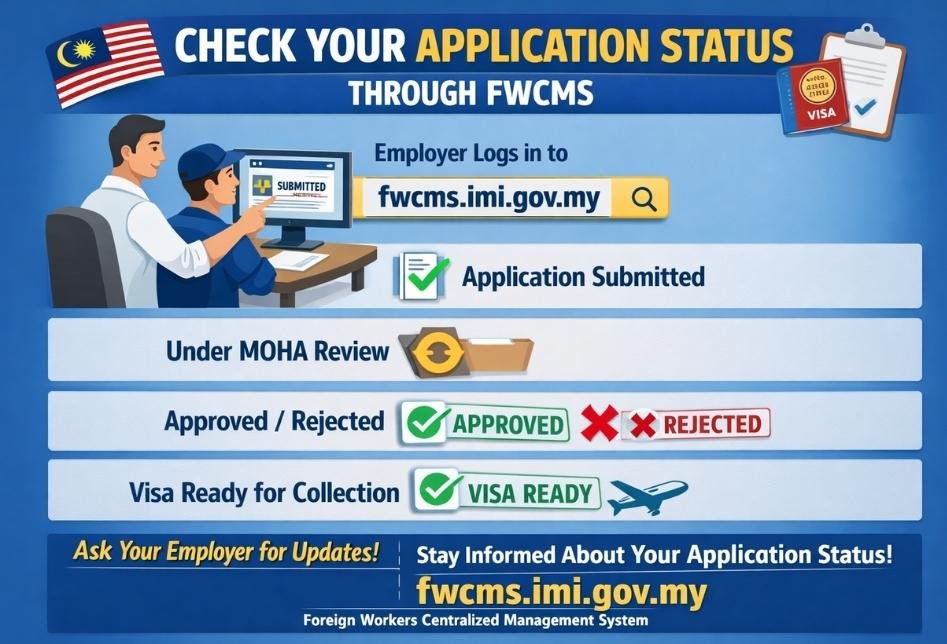
The most direct way — and the official way — is through your Malaysian employer. Since the entire application is submitted through Malaysia’s FWCMS (Foreign Workers Centralized Management System), your employer has a login and can see the real-time status of your application.
Ask your employer or their HR department to log into FWCMS at: fwcms.imi.gov.my
They can see:
- Application submitted ✅
- Under MOHA review 🔄
- Approved / Rejected ✅ / ❌
- Visa ready for collection ✅
If your employer is communicating with you properly, they should already be updating you at each stage. If they’re not — it’s okay to ask directly. You have the right to know your application status.
Method 2: Malaysia Immigration Department — imi.gov.my
For individual status checks, Malaysia’s Immigration Department website offers some tracking functionality.
Steps:
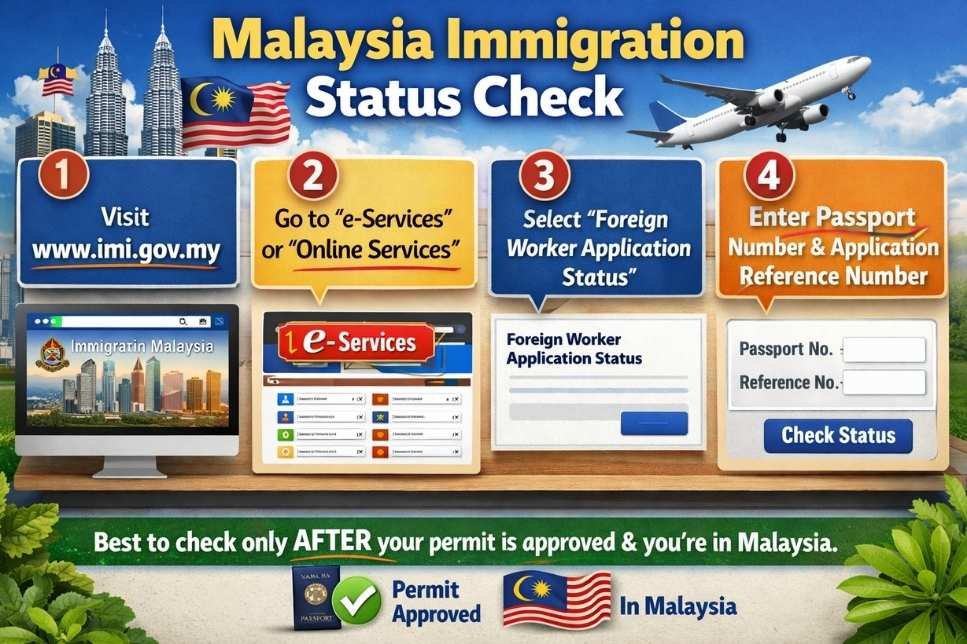
- Go to www.imi.gov.my
- Look for the “e-Services” or “Online Services” section
- Find the foreign worker application status check tool
- Enter your passport number and application reference number
Note: This method works better once your permit has been approved and you’re in Malaysia. Pre-approval status is more reliably checked through the employer’s FWCMS portal.
Method 3: Contact the Malaysian High Commission in Dhaka
If you’re unable to get status updates through the above methods, you can contact:
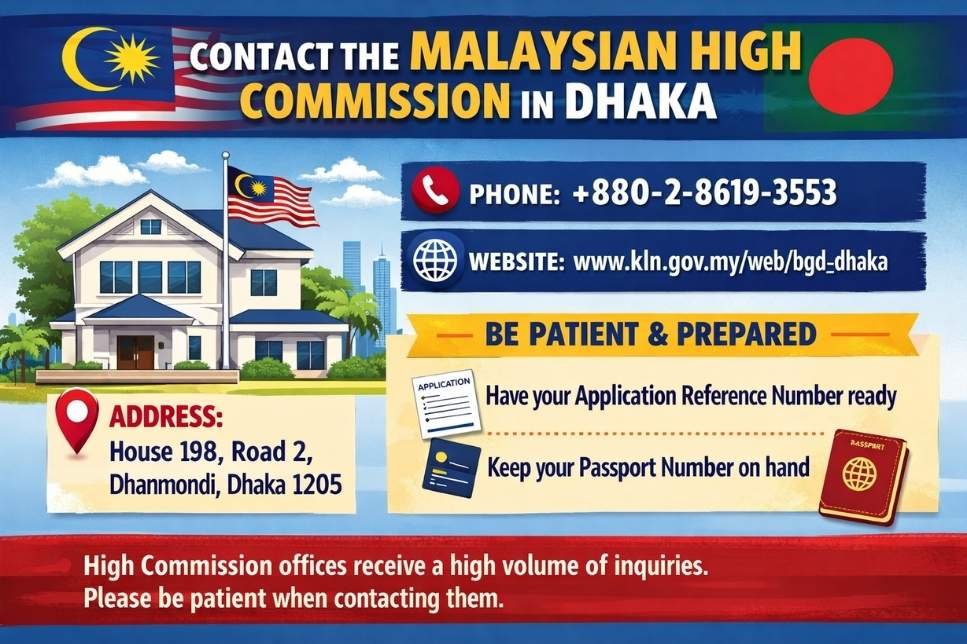
Malaysian High Commission, Dhaka
Address: House 198, Road 2, Dhanmondi, Dhaka 1205
Phone: +880-2-8619-3553
Be patient — High Commission offices handle high volumes of inquiries. Have your application reference number and passport number ready before calling.
Method 4: Through Your Recruitment Agency
If you applied through a BMET-registered recruitment agency, they should have a tracking mechanism as well. Legitimate agencies maintain communication with the Malaysian employer’s side and should be able to give you status updates.
What Do the Status Updates Mean?
| Status | Meaning |
|---|---|
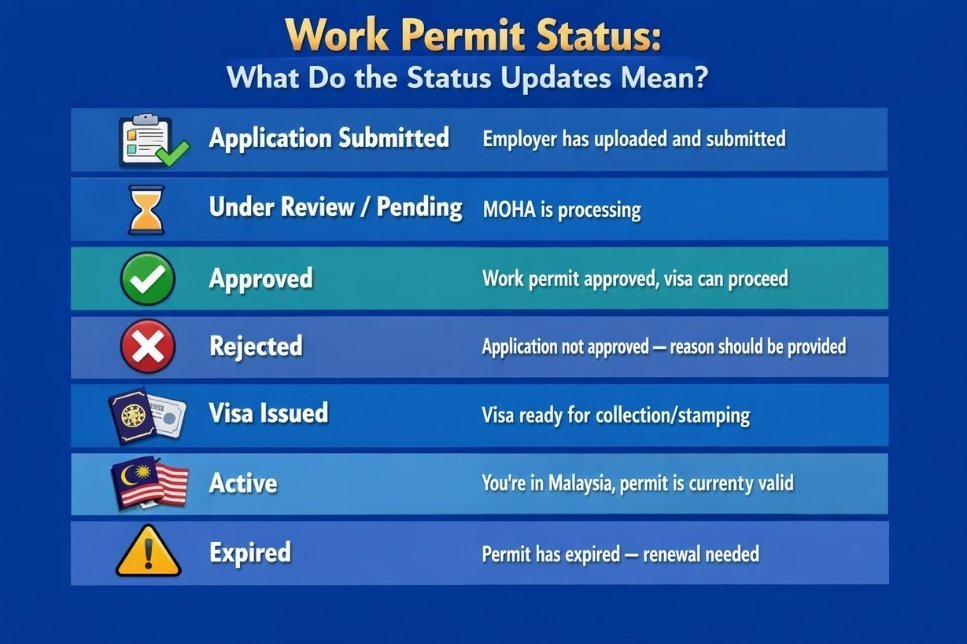
| Application Submitted | Employer has uploaded and submitted |
| Under Review / Pending | MOHA is processing |
| Approved | Work permit approved, visa can proceed |
| Rejected | Application not approved — reason should be provided |
| Visa Issued | Visa ready for collection/stamping |
| Active | You’re in Malaysia, permit is currently valid |
| Expired | Permit has expired — renewal needed |
Common Problems When Checking Status
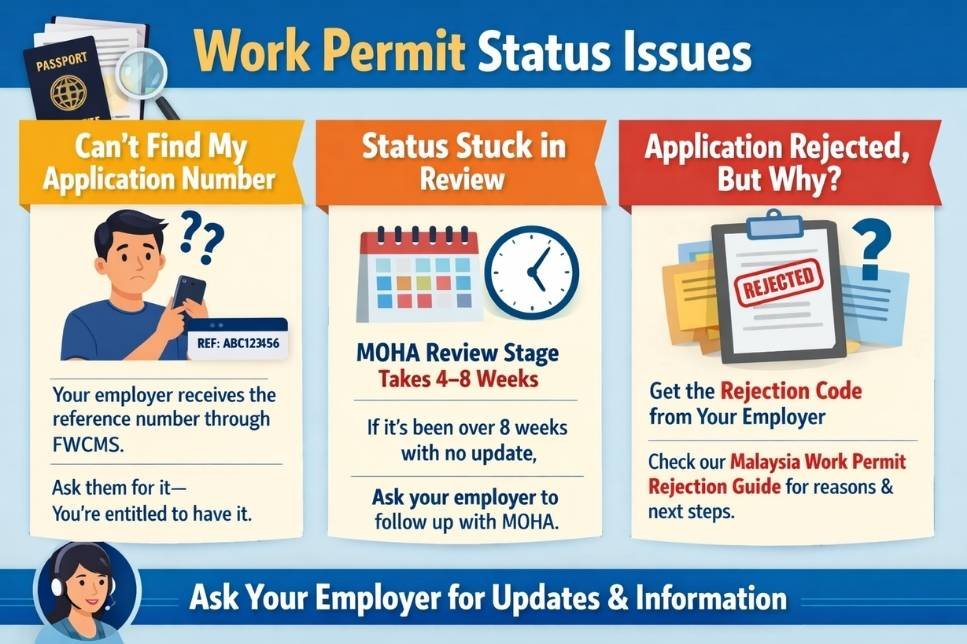
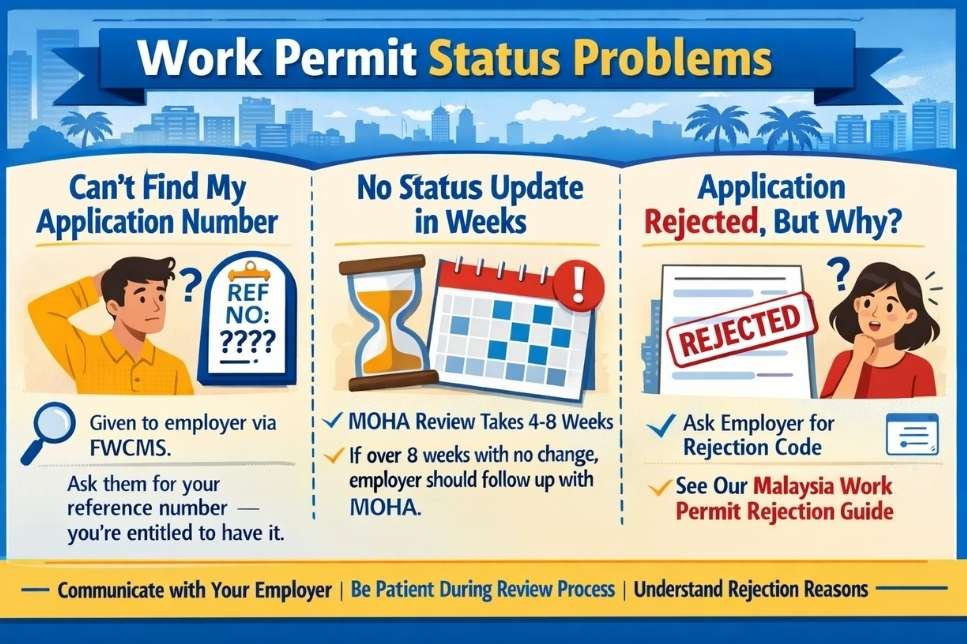
“I can’t find my application reference number.” This number is given to your employer when they submit via FWCMS. Ask them for it — you’re entitled to have it.
“Status hasn’t changed in weeks.” This is common during the MOHA review stage, which can take 4–8 weeks. If it’s been more than 8 weeks with no update, your employer should follow up with MOHA directly.
“Status shows rejected but I don’t know why.” Rejection reasons should be communicated through FWCMS to the employer. Ask your employer for the rejection reason code. See our [Malaysia Work Permit Rejection Guide] for what each reason means and what you can do.
Back to: [Malaysia Work Permit Complete Guide 2026]
Last Updated: June 2026
Comments are closed.